Most webinar checklists help you remember the obvious work: choose a topic, invite speakers, test the microphone, send reminders, and start on time.
That matters. But for a B2B team, the checklist has to do more than get the session live. It has to prepare the workflow around the webinar: who should register, what action the audience should take, how the replay will work, what signals the team will capture, and how follow-up will happen after the broadcast ends.
Use this webinar planning checklist as a practical way to run better live sessions and make each webinar easier to learn from next time.
Quick B2B webinar checklist overview
A strong B2B webinar checklist should cover three phases:
| Phase | What to prepare | Why it matters |
|---|---|---|
| Before the webinar | Topic, audience, speakers, registration, promotion, run of show, rehearsal, CTAs, replay plan, and follow-up logic | This makes the webinar easier to launch and gives the team a clearer reason for running it |
| During the webinar | Host flow, moderation, questions, polls, CTAs, resources, technical checks, audience signals, and handoffs | This helps the session stay useful while creating signals the team can act on |
| After the webinar | Replay, segmented follow-up, sales or customer handoff, analytics review, and next-session improvements | This turns the webinar from a one-off event into part of a repeatable growth loop |
That last part is where many checklists fall short. A B2B webinar should not finish when the presenter leaves the studio. It should feed the next step: a demo request, a signup, a useful sales conversation, a nurture sequence, a stronger replay, or a better future session.
That is the same idea behind the B2B webinar growth engine: the event matters, but the real value comes from the loop around it.
Before the webinar: plan the session and the outcome
Start by deciding what the webinar is meant to do.
That sounds simple, but it changes the whole checklist. A customer education session, a product demo, a partner webinar, and a thought-leadership broadcast all need different planning choices. The topic, promotion, CTA, speaker mix, and follow-up should match the outcome you want.
Before you build the registration page, answer these questions:
- Who is the webinar for?
- What problem should they understand more clearly by the end?
- What action should the webinar make easier?
- What will count as a useful result?
- Which audience signals will matter after the session?
The action does not have to be a hard sales conversion. It might be a demo booking, signup, consultation request, content download, product tour, sales reply, replay view, or stronger nurture path.
Once the outcome is clear, define the core operating pieces:
- Topic and working title
- Audience fit and exclusion criteria
- Speaker or panelist roles
- Broadcast format, such as demo, workshop, panel, interview, launch, or recurring series
- Date, time, and expected session length
- Success measures, such as registrations, attendance, CTA clicks, questions, replay viewers, qualified leads, or follow-up replies
- Platform requirements, including registration, reminders, branded watch pages, recording, replay, CTAs, analytics, and follow-up data
If the webinar is part of a recurring program, treat this as a reusable operating system rather than a one-time plan. A good checklist should get easier to run each time.
Build the registration and promotion workflow
The registration page is not just a form. It is the first moment where the audience decides whether the session is worth their time.
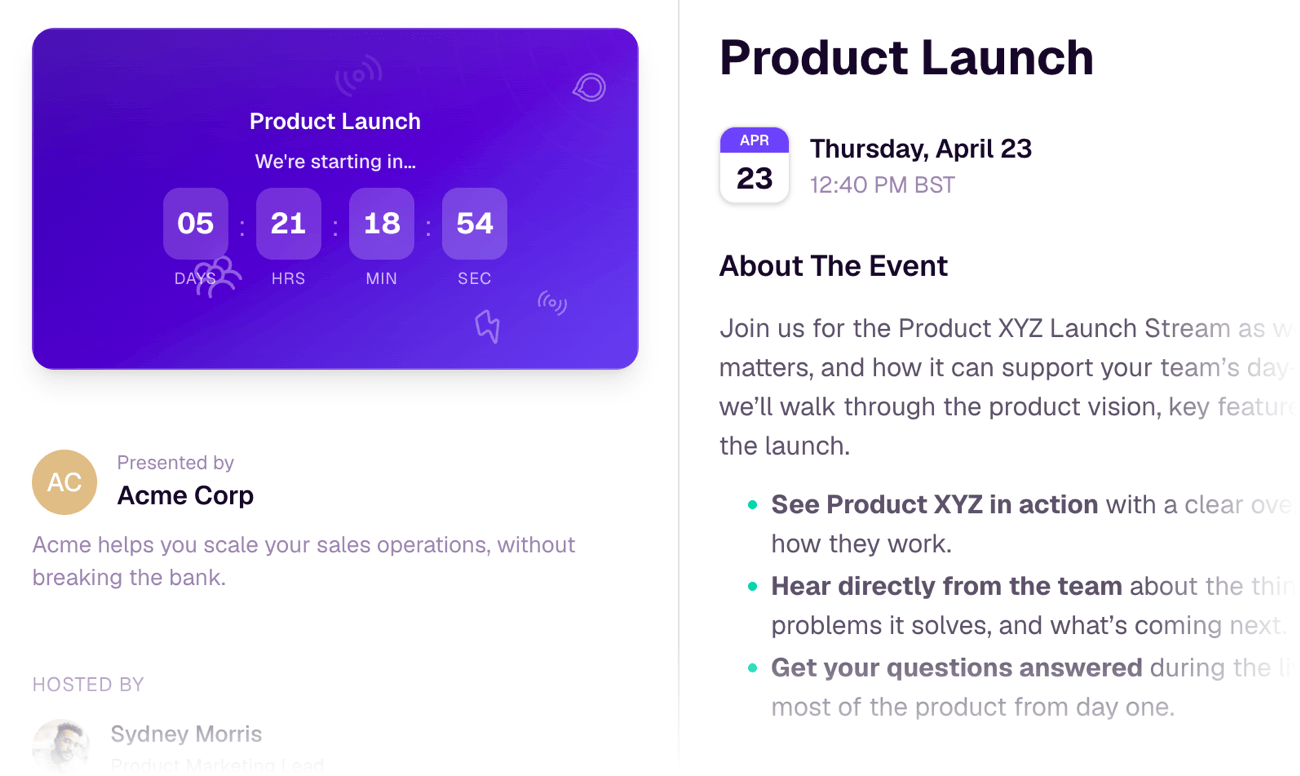
A useful webinar registration page should make the promise clear quickly. It should explain who the session is for, what the audience will learn, who is speaking, when it happens, and what they will be able to do differently afterward.
Check that the registration page includes:
- A clear webinar title
- Date, time, and timezone
- Speaker names and roles
- A short agenda or learning promise
- Audience fit, especially if the topic is specific
- A simple registration form
- Calendar save option
- Confirmation and reminder path
- Privacy or consent language where needed
Keep registration fields useful. Every extra field creates friction, so only ask for information that shapes the live session, qualification, segmentation, or follow-up. Role, company, team size, biggest challenge, current tool, or buying-stage question can be useful when they affect the experience. Generic data collection usually is not.
Then plan promotion as a sequence, not a single announcement. Depending on the webinar, that might include:
- Email invitations to relevant segments
- Newsletter mentions
- Sales or customer success invites
- Website placements
- Partner promotion
- Founder or team social posts
- LinkedIn event or company-page promotion
- Paid retargeting when the audience and offer justify it
- Reminder emails before the session
Content Marketing Institute's webinar planning checklist is useful here because it treats webinar planning as coordinated work across content, promotion, and action after the session, not only as a production checklist.
The goal is not to promote everywhere. It is to promote where the right audience already pays attention.
Prepare the live experience
The live session needs a run of show. Even a simple webinar benefits from knowing what happens minute by minute.
Your run of show should cover:
- Host opening
- Speaker introductions
- Housekeeping
- Main teaching sections
- Demo or walkthrough points
- Polls, Q&A, chat prompts, or audience checks
- CTA timing
- Resource mentions
- Closing summary
- Final next step
- Handoff after the live session
This is also where you decide which interactive moments are worth including. Polls, questions, chat prompts, reactions, and resources should not be decoration. They should help the audience participate or help the team understand what the audience needs.
For example, a poll after a problem-framing section can tell you which challenge is most common. A Q&A segment can reveal objections. A resource CTA can show who wants to go deeper. A replay prompt can help no-shows continue without waiting for a manual follow-up.
Set up your webinar CTAs before the session, not while the host is trying to keep the webinar moving. Decide where the next step belongs:
- Early in the session, if the audience needs a resource to follow along
- After a teaching section, if the CTA helps them apply the idea
- During a demo, if the next step is product evaluation
- Near the close, if the CTA is booking, signup, or a deeper conversation
- In the replay, if viewers may arrive later with the same intent
If you are using HeyStream, this is where the workflow can stay connected: branded watch pages, live and replay CTAs, audience records, engagement signals, and follow-up automation can all sit closer to the broadcast itself.
Run a focused dry run
A dry run is not just a technical check. It is a rehearsal for the experience the audience will have.
Checklist for the dry run:
- Confirm host, speaker, moderator, and backup roles
- Test panelist access and permissions
- Check microphone, camera, lighting, and internet connection
- Test screen sharing and slide transitions
- Open demo accounts, browser tabs, files, and links in advance
- Check videos, animations, and audio if used
- Confirm Q&A, chat, polls, captions, and resources
- Review CTA copy, timing, and destination links
- Test the registration-to-watch-page path
- Confirm recording and replay settings
- Review backup plan for speaker, connection, or demo failure
- Assign a timekeeper
- Rehearse the opening and closing
The dry run should also check whether the webinar feels coherent. If the session promises practical advice but spends 20 minutes on company background, fix that before going live.
Zoom's webinar dry-run checklist and the University of Minnesota's pre-webinar host checklist both reinforce the same practical point: roles, access, settings, links, and interactive features need to be checked before the audience arrives.
During the webinar: capture attention and guide next steps
When the webinar starts, the first job is clarity.
The host should quickly confirm what the session is about, who it is for, and what the audience will get from staying. Housekeeping matters, but it should not bury the promise.
During the session, keep an eye on two things:
- Is the audience getting the value they came for?
- Is the team capturing the signals needed for useful follow-up?
Useful signals can include:
- Attendance
- Watch time
- Drop-off point
- Poll answers
- Questions asked
- Chat themes
- CTA clicks
- Resource downloads
- Replay views
- Return visits
Not every signal means the same thing. A question might show confusion, urgency, curiosity, or buying interest. A CTA click might mean someone is ready for the next step, or it might mean the offer was simply relevant. Use webinar engagement metrics to understand patterns, not to overread a single action.
The best live sessions make the next step feel natural. If the audience has just seen a product workflow, a demo CTA may make sense. If they have just learned a framework, a checklist or replay CTA may fit better. If they asked detailed implementation questions, a follow-up path may be more useful than a generic thank-you email.
After the webinar: turn engagement into follow-up
The post-webinar workflow should be ready before the webinar ends.
At minimum, plan what happens for:
- People who registered but did not attend
- People who attended live
- People who asked a question
- People who clicked a CTA
- People who watched the replay
- People who attended but showed low engagement
- People who looked like a strong sales or customer success fit
Your follow-up should reflect what people did. A no-show may need the replay and a short reason to watch. A high-engagement attendee may need the next step. Someone who asked a detailed implementation question may need a human reply. A replay viewer may need the same CTA as the live audience, just later.
That is why webinar follow-up best practices should be part of the checklist, not an afterthought.
Replay also deserves its own plan. A good webinar replay strategy can extend the life of the session, support no-shows, and create new audience signals after the live moment. Add replay CTAs, chapters, resources, and follow-up paths while the topic is still fresh.
Review what happened and improve the next webinar
After follow-up is running, review the webinar with the team.
Look at the full path:
- Which audience segments registered?
- Which promotion channels drove signups?
- Where did attendance come from?
- Which sections held attention?
- What questions came up repeatedly?
- Which CTAs were clicked?
- Who returned for replay?
- Which follow-up segments performed best?
- What should change next time?
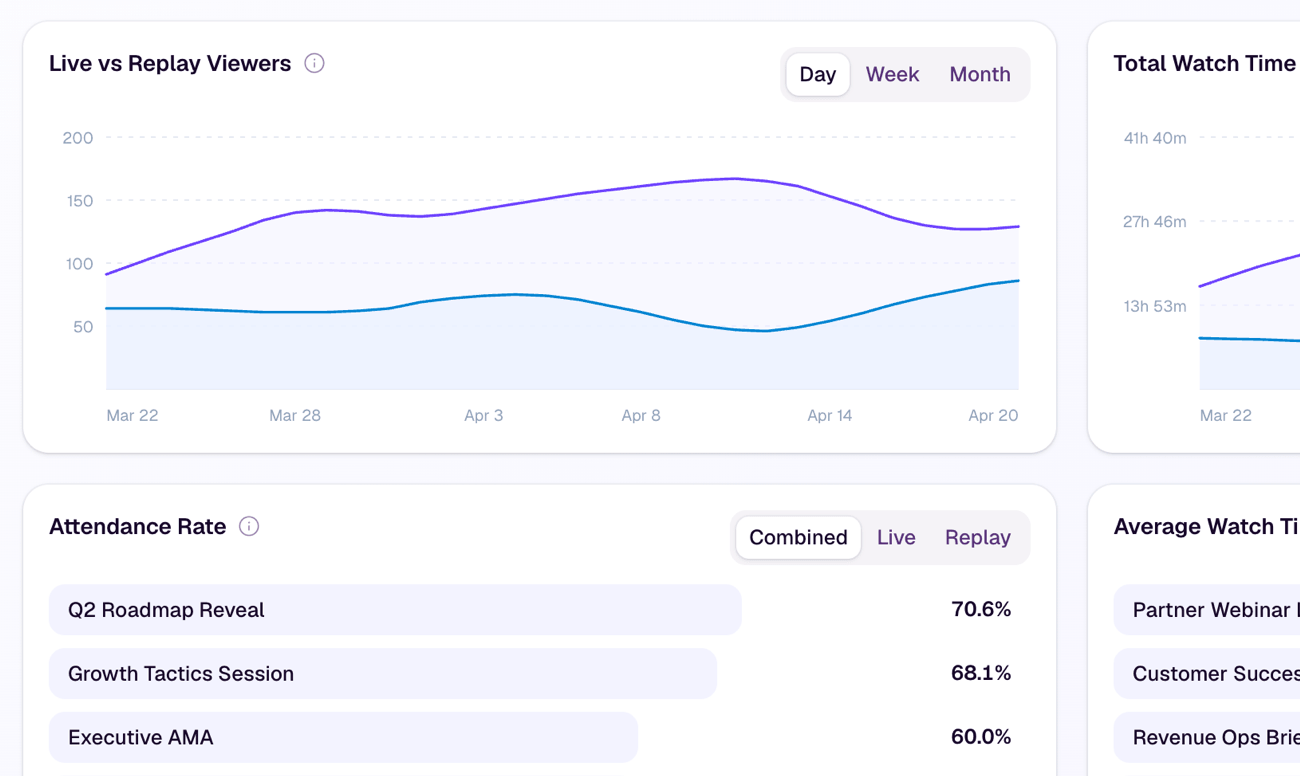
This is where analytics and insights matter. The point is not to make every webinar look successful. It is to understand what worked, what did not, and what the next session should do differently.
For B2B teams, the strongest learning often comes from combining registration data, audience activity, CTA engagement, replay behavior, and follow-up outcomes. That is where audience intelligence, conversion tools, and follow-up automation can make the webinar workflow easier to repeat.
A practical B2B webinar checklist template
Use this as a working checklist. Adapt the timing and owners to match your team.
| Phase | Task | Owner | Timing | Status |
|---|---|---|---|---|
| Before | Define audience, problem, promise, and desired next step | |||
| Before | Choose format, speakers, session length, and success measures | |||
| Before | Build registration page with clear promise, agenda, speakers, and form fields | |||
| Before | Set up confirmation, calendar invite, and reminder emails | |||
| Before | Plan promotion across email, website, social, partners, and sales channels | |||
| Before | Prepare run of show, slides, demo flow, speaker notes, and moderation plan | |||
| Before | Create live CTAs, replay CTAs, resources, and destination links | |||
| Before | Configure Q&A, chat, polls, captions, recording, and replay settings | |||
| Before | Run dry run for access, audio, video, internet, links, slides, demo, timing, and backup plan | |||
| During | Open with the promise, agenda, housekeeping, and participation guidance | |||
| During | Monitor questions, poll answers, chat themes, attendance, and drop-off | |||
| During | Trigger CTAs when the next step is timely and relevant | |||
| During | Capture unanswered questions and follow-up notes | |||
| After | Publish or prepare replay with relevant CTA and resources | |||
| After | Segment follow-up for attendees, no-shows, CTA clickers, question askers, and replay viewers | |||
| After | Route high-intent or high-fit viewers to the right sales or customer workflow | |||
| After | Review analytics, follow-up results, and lessons for the next webinar |
The checklist is useful because it keeps the webinar connected to the reason it exists. You are not just shipping a live session. You are building a repeatable path from registration to engagement, next step, replay, follow-up, and learning.
Where HeyStream fits
HeyStream is built for teams that want live broadcasts to connect with the rest of the growth workflow.
That means a team can run a polished session from a browser-based streaming studio, use branded registration and watch pages, add CTAs during live or replay viewing, capture audience signals, review performance, and trigger smarter follow-up from the same operating flow.
For teams running recurring webinars, product demos, launches, workshops, or customer sessions, that connection matters. The easier it is to reuse the workflow, the easier it is to make each webinar better than the last.
The takeaway
A webinar checklist should help your team go live with confidence. But for B2B teams, that is only the baseline.
The stronger checklist prepares the full system around the webinar: registration, promotion, live delivery, CTAs, replay, follow-up, and learning. That is what turns a single broadcast into something the team can improve, repeat, and trust.


