The OneStream Live alternative built for B2B webinars that need more than multistreaming
OneStream Live is strong for multistreaming real-time or pre-recorded video to many destinations. HeyStream gives teams a more webinar-native workflow with branded registration, built-in audience CRM, native live and replay CTAs, and follow-up automation tied to audience intent.

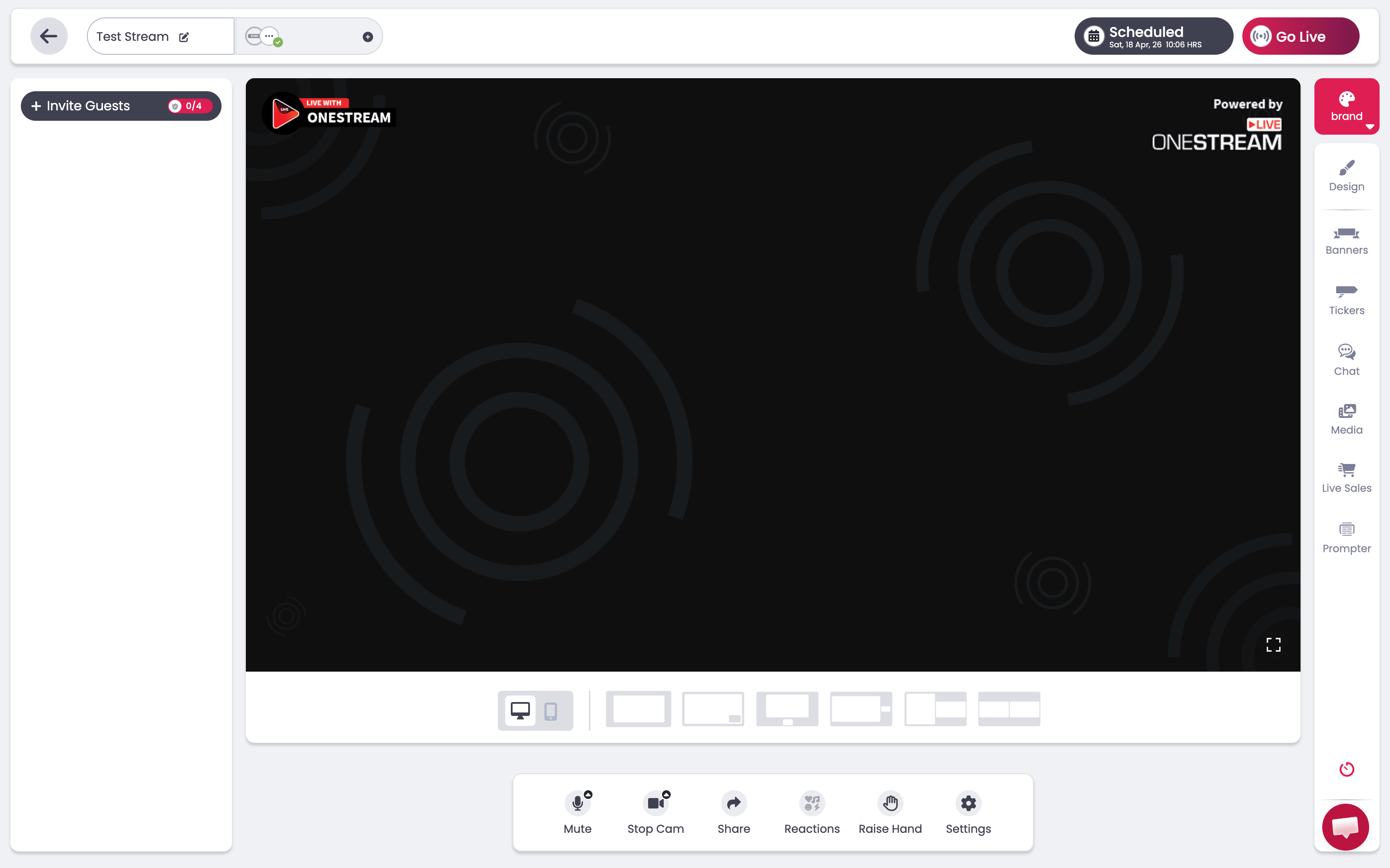
Compare the product experience
HeyStream gives B2B teams a more modern webinar workflow, built to turn broadcasts into pipeline.
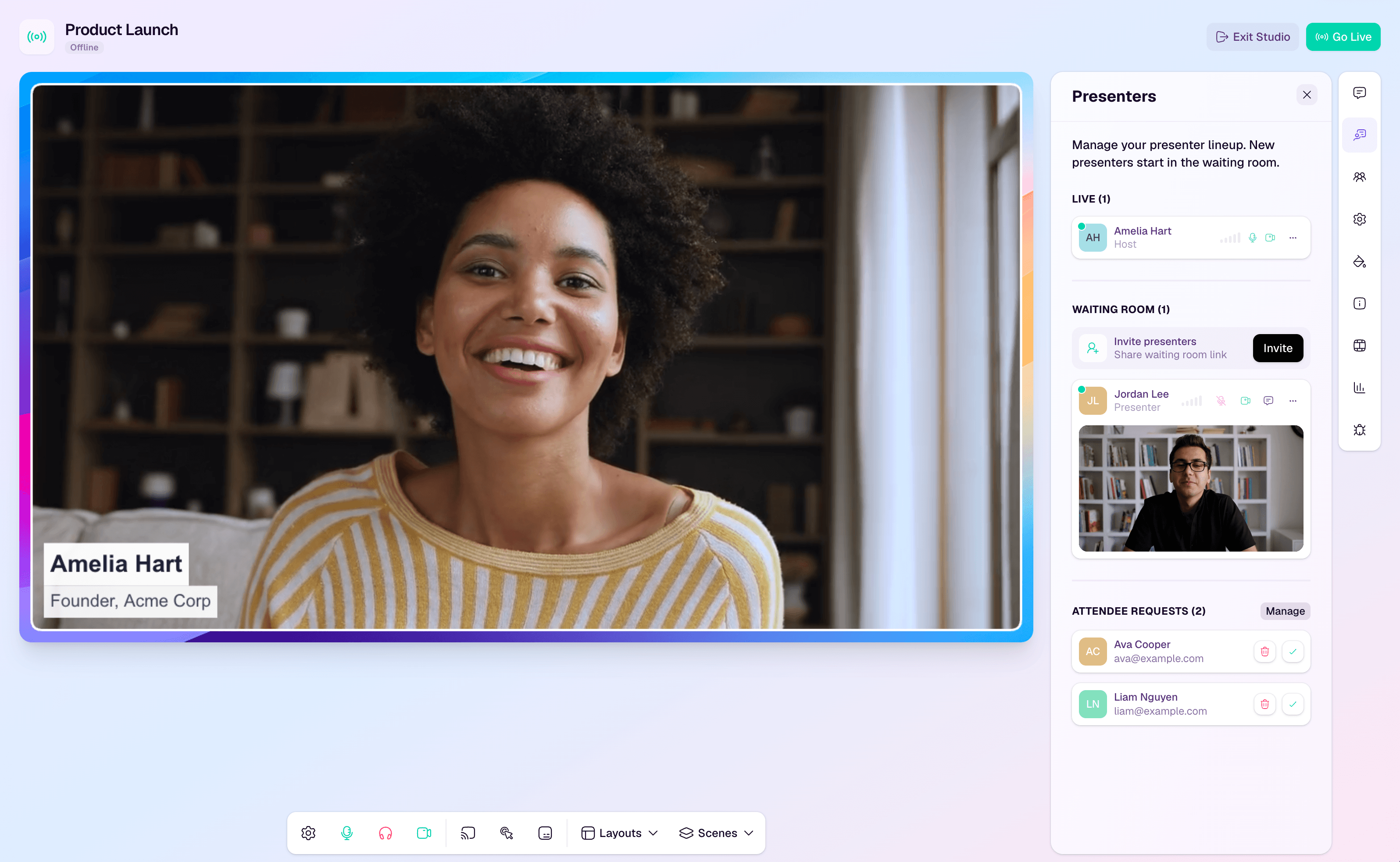
I launched a fully branded broadcast from the browser in seconds (faster than spinning up a Zoom link). The studio feels professional, and the built-in CTAs made follow-ups simple

Matt Cici
Founder, A Creative

OneStream Live is strong for multistreaming. But not for live programs built to convert.
If your team mainly needs affordable multistreaming and hosted live pages, OneStream Live makes sense. But once you need audience records, CTA moments, and follow-up in one workflow, the setup starts to depend on too many extra systems.
Audience records never become the workflow
Teams still need another system for qualification and follow-up.
CTA moments sit outside the stream
Conversion prompts miss the moment viewers are most engaged.
Replay follow-up needs another tool
Reminder and replay outreach still depend on other platforms.
Multistreaming grows reach, not pipeline
More destinations help distribution, but buyer intent lives elsewhere.
HeyStream vs OneStream Live: Side-by-side comparison
Use the plan toggle to compare each HeyStream plan against the closest OneStream Live option across pricing, hosted-page workflow, and what happens after the live moment.
Growth | Professional | |
|---|---|---|
Monthly price | $179/mo | $49/mo |
Live attendees per broadcast | 500 | Limits are based on bandwidth, not attendees |
Registration insights | ||
Built-in audience CRM | ||
Broadcast series | ||
Go live requests | ||
Live and replay CTAs | ||
Customizable lifecycle emails | ||
Outbound automations |
Why teams choose HeyStream over OneStream Live
Teams choose HeyStream when they want polished live webinars, plus the registration, audience, CTA, and follow-up workflow in one place.
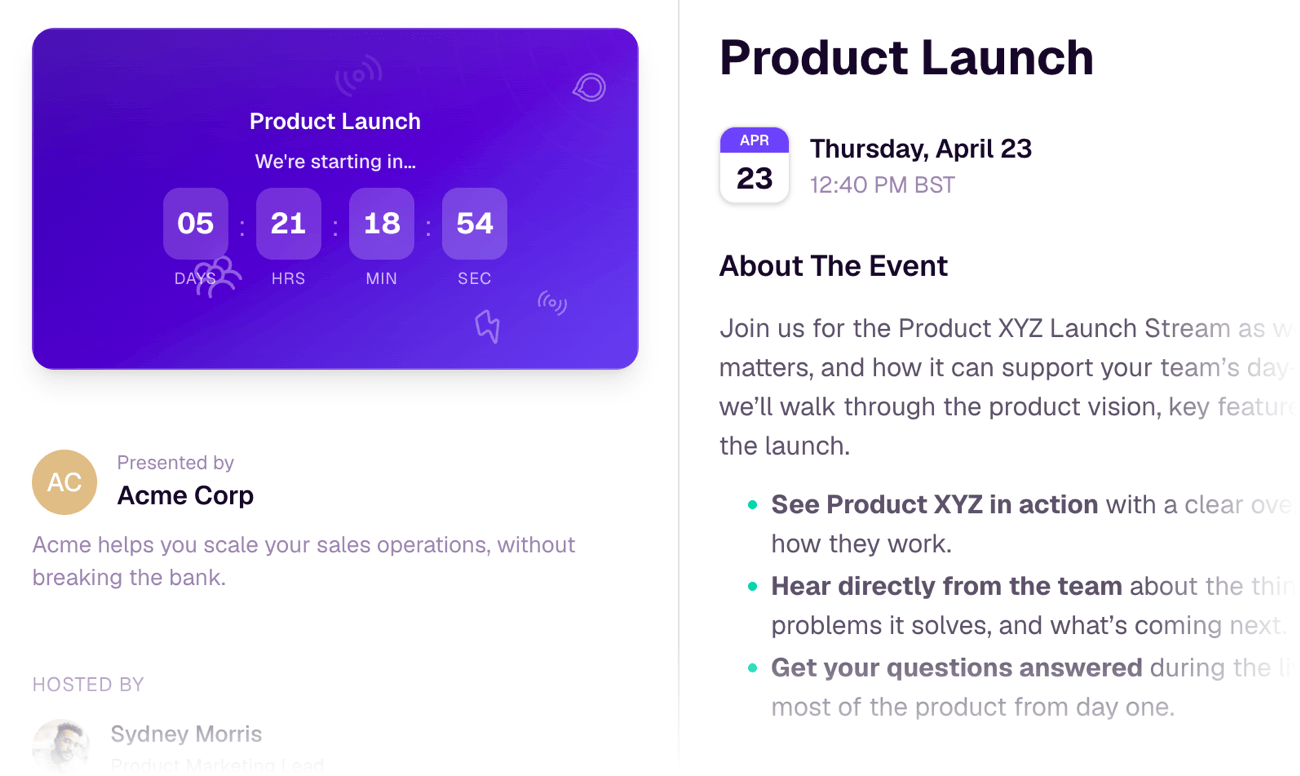
Branded registration & watch pages
Keep registration & viewing on brand instead of sending buyers through a generic flow.
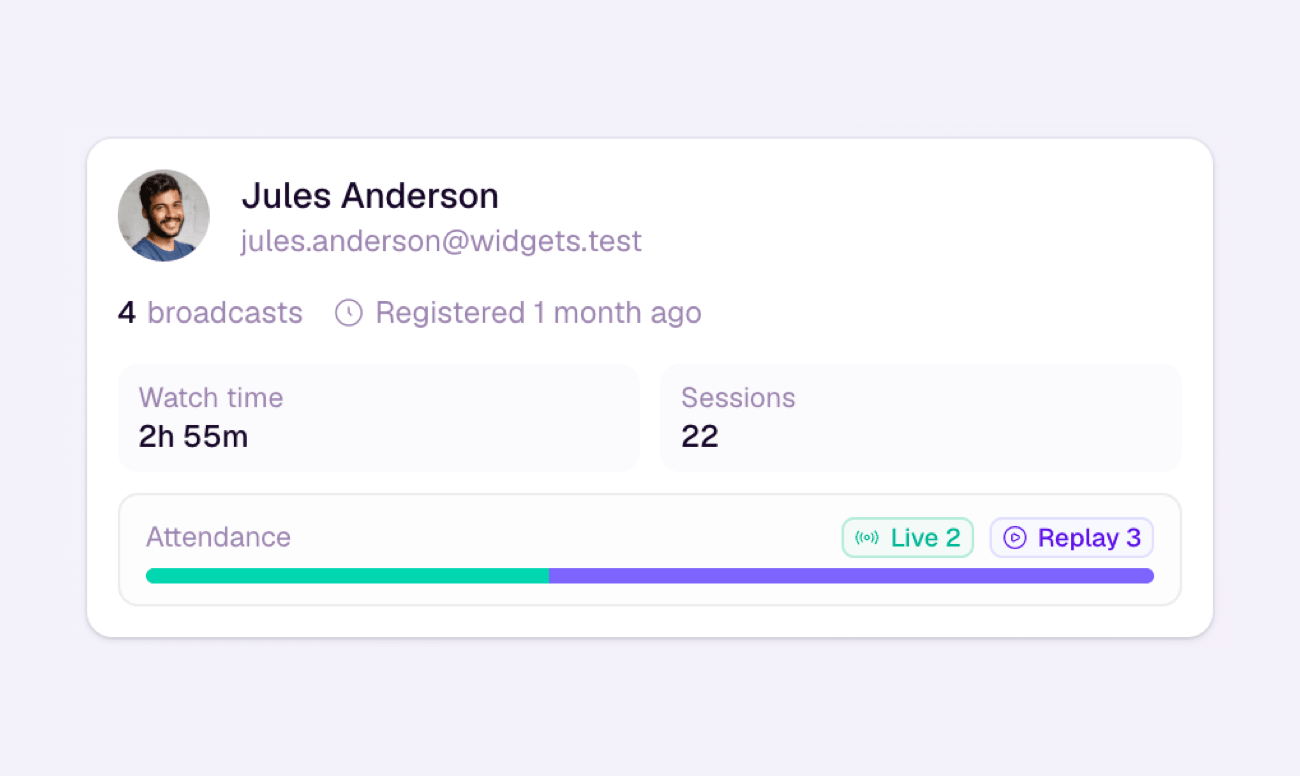
Audience CRM built in
Track registrants, attendees, CTA clicks, and follow-up context in one place.
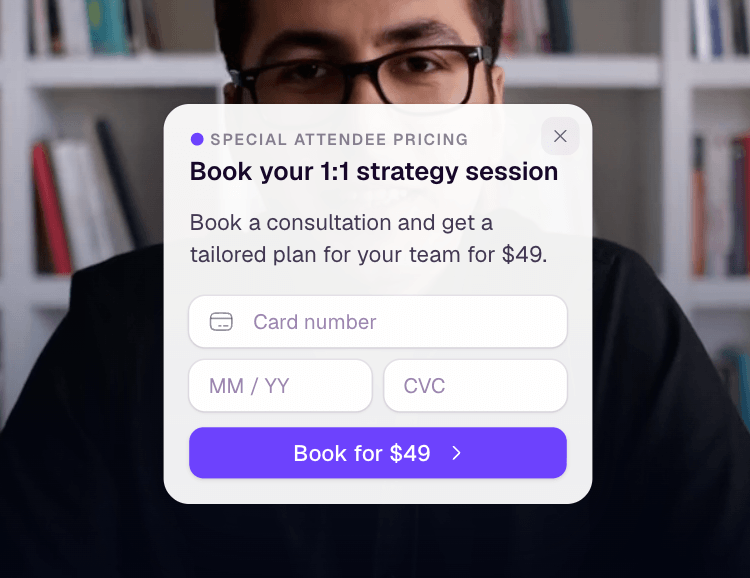
Native CTAs in live and replay
Turn attention into action while people are watching, not later in another tool.
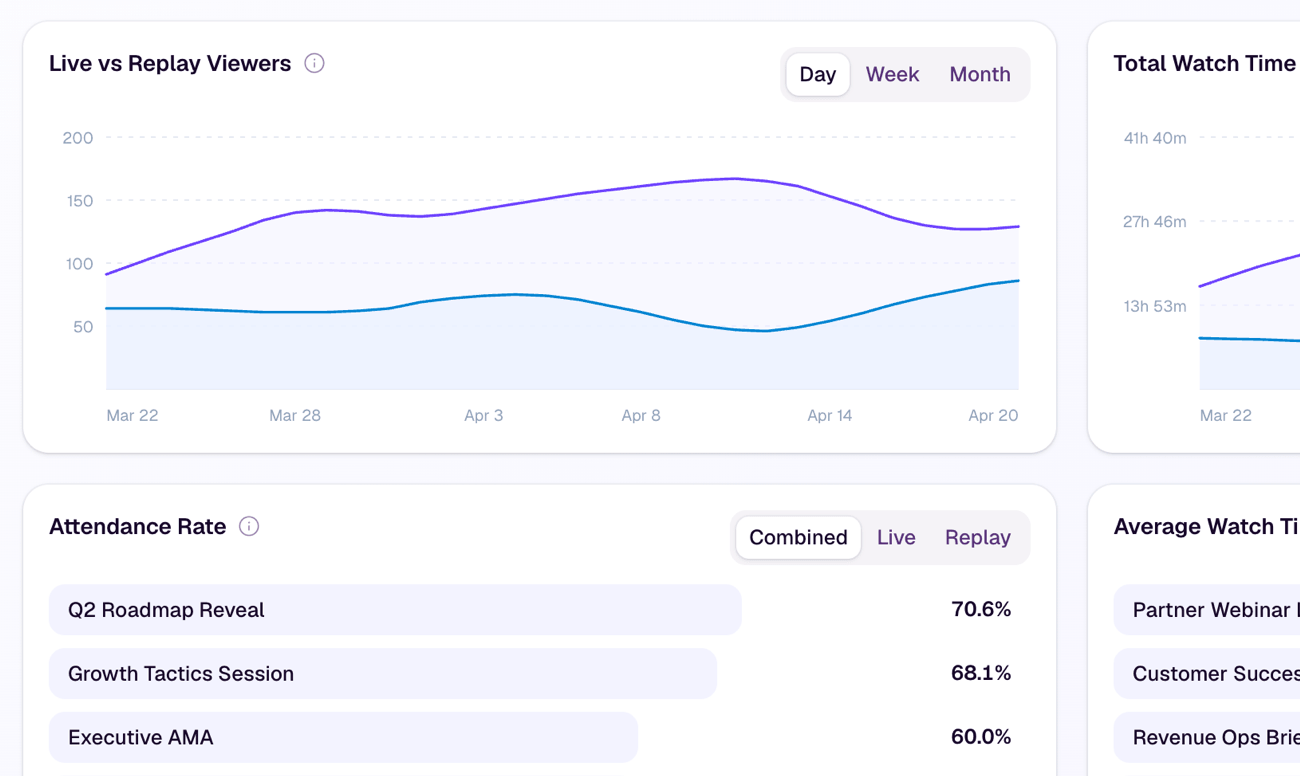
Insights beyond attendance
Track registration performance, live/replay behavior, and marketing attribution.
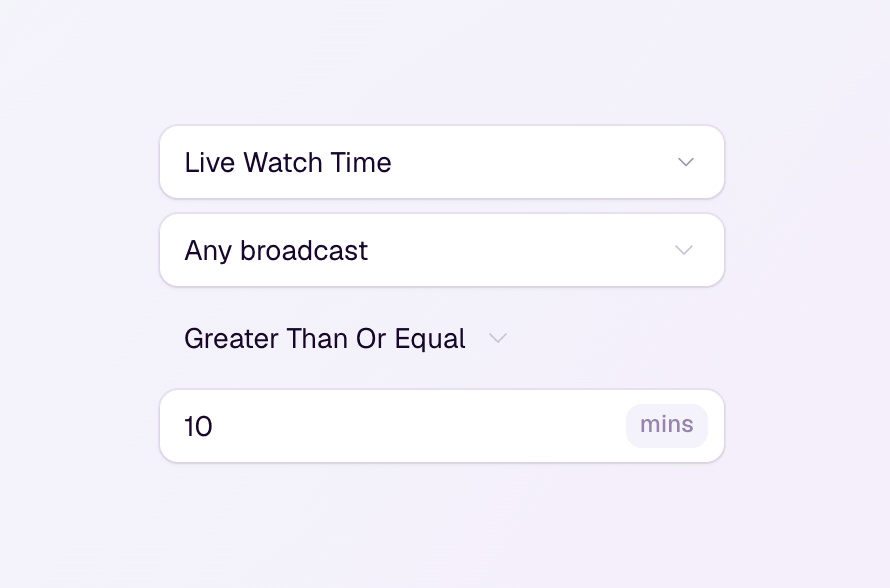
Automations and follow-up built in
Turn attendee insights, behavior, and intent into impactful automations and follow-up.
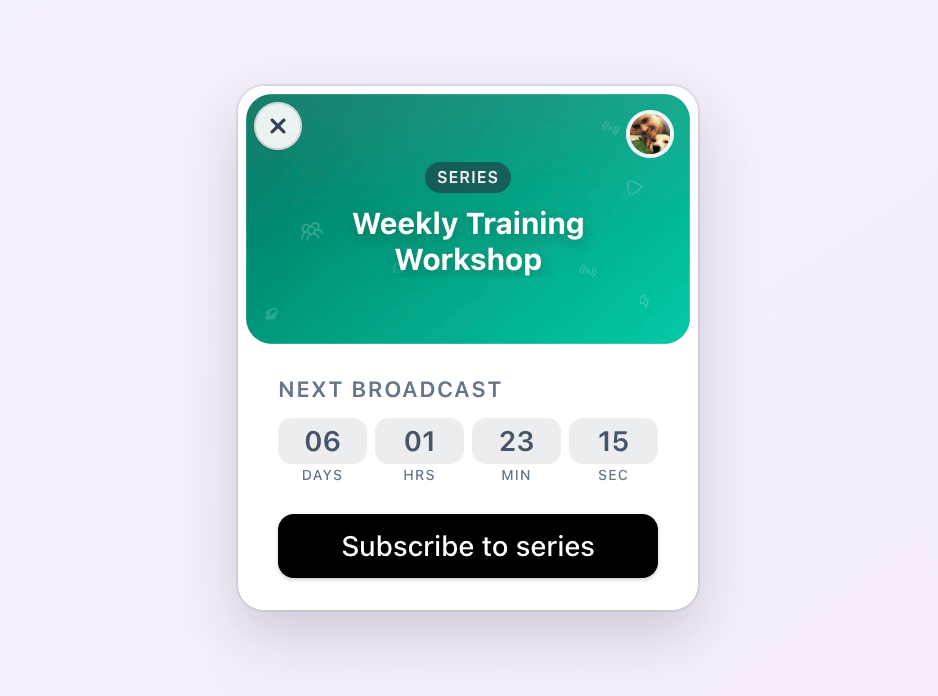
Recurring webinar series
Run ongoing programs that keep subscribers engaged as new sessions are added.