Getting someone to register for a webinar is only the first yes. By the time the session starts, that registrant has a fuller inbox, a busier calendar, and maybe only a vague memory of why the webinar seemed useful in the first place.
A good webinar reminder email does not try to resell the entire event from scratch. It restates the live value, removes joining friction, and helps the right people arrive with enough context to get something useful from the session.
Use the templates below as a practical starting point for B2B webinars, product demos, recurring sessions, and customer education programs. Adapt the timing to your registration window, your audience, and the amount of preparation someone genuinely needs before the live session.
What is a webinar reminder email?
A webinar reminder email is a pre-event message sent after someone registers and before the live session begins. Its job is to help the registrant remember the event, find the right join details, understand why the session is worth attending live, and arrive ready for the next step.
That makes it different from a webinar invitation email. The invitation has to earn the registration. The reminder has to protect the intent that already exists.
It is also different from a follow-up email. Zoom's webinar email settings separate confirmation, reminder, attendee follow-up, and absentee follow-up emails, which is a useful boundary: reminders happen before the live session, while follow-up emails happen after someone attends or misses it.
For B2B teams, that boundary matters. If the reminder starts acting like a follow-up, it usually becomes too heavy. If it repeats the original invitation word for word, it often misses the registrant's current need: "Where do I join, when does this happen, and why should I protect this time?"
The B2B webinar reminder cadence
There is no universal reminder sequence that fits every webinar. A registrant who signs up three weeks early needs different support from someone who registers the morning of the event.
Still, most B2B teams can start with this cadence:
| Best used when | Main job | CTA | |
|---|---|---|---|
| Registration confirmation | Immediately after signup | Confirm the registration and set expectations | Add to calendar |
| One-week reminder | Longer registration windows | Reconnect the topic to the reader's problem | Save the date or submit a question |
| One-day reminder | Most webinars | Make the value and logistics clear | Add to calendar or view details |
| One-hour or day-of reminder | Live sessions with a clear start time | Put the join link at the top | Join the webinar |
| Live-now reminder | The room is open and the session has started | Help late or distracted registrants join quickly | Join now |
ON24's webinar email template guide places reminders inside a broader webinar email sequence, including one-week, one-day, and live-now messages. That is a helpful pattern, but do not treat it as a rule you must follow mechanically.
If your promotional window is short, two reminders may be enough: one confirmation and one day-of message. If your audience needs preparation, a one-week reminder can include a question prompt, pre-read, worksheet, or teaser. If the session is a recurring program, the reminders should help people remember which episode they registered for and why this specific session is relevant.
What every webinar reminder email should include
Every reminder should be easy to scan and hard to misunderstand. Before you worry about clever subject lines, make sure the basics are visible.
Include:
- Webinar title
- Date, time, and time zone
- Join link or access instructions
- Calendar link or calendar attachment
- Speaker, host, or company cue
- One clear reason to attend live
- Any preparation the attendee should do
- One primary CTA
Microsoft Teams support treats webinar reminders as a distinct attendee email type, separate from other webinar notifications. That is a useful way to think about the copy: each reminder should have its own job instead of becoming a catch-all message.
For B2B webinars, the best reminders usually answer three questions quickly:
- Why did I register?
- What will I get from attending live?
- Where do I click when it is time?
If the email cannot answer those questions without scrolling through a wall of copy, it is probably doing too much.
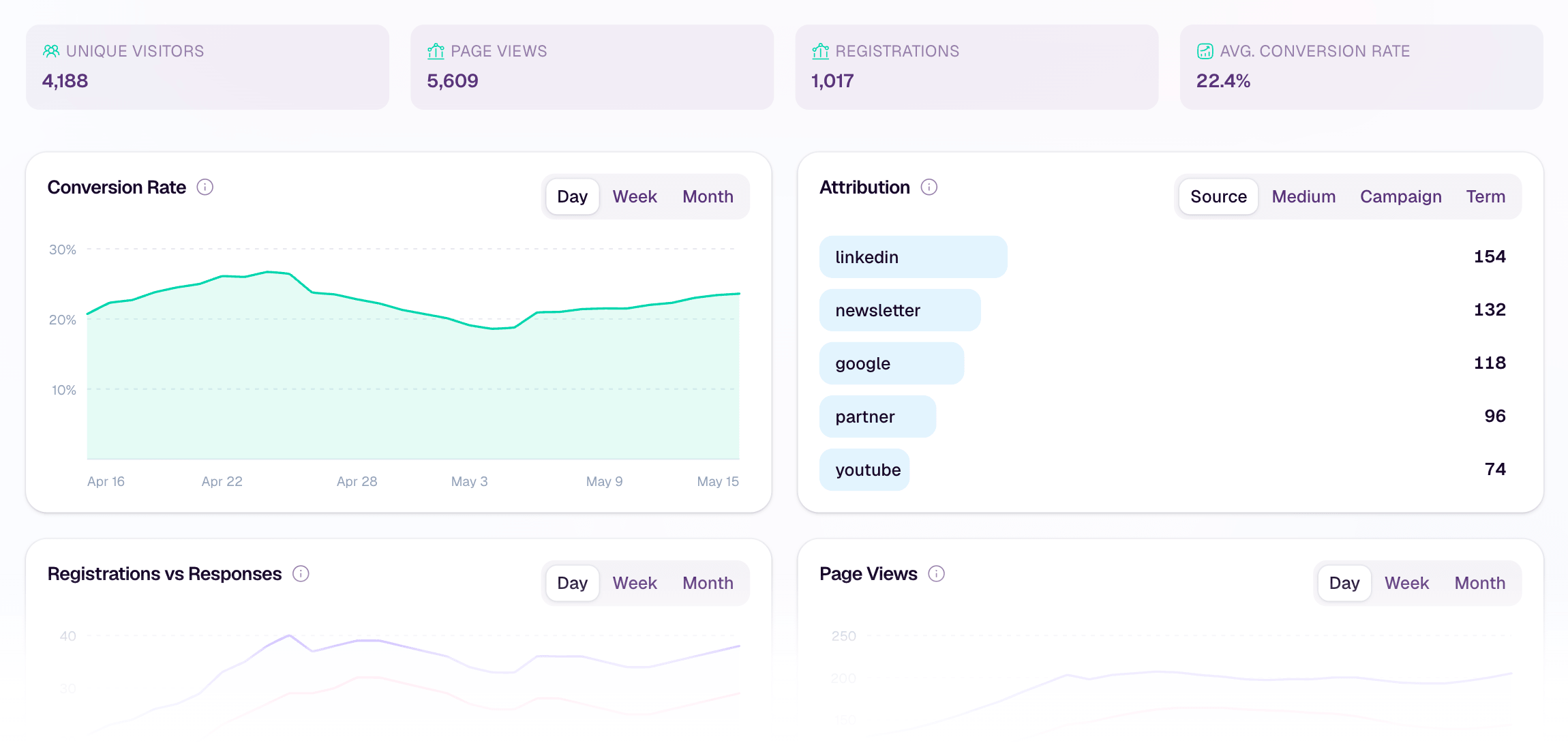
Reminder emails work best when they connect back to the promise that made someone register. A clear registration page, clean attribution, and simple audience context make that promise easier to carry through the whole webinar workflow.
Template 1: registration confirmation email
Send this immediately after someone registers. The tone should be clear, calm, and useful. The person has already taken action, so the email should confirm that action and help them protect the time.
Subject line options
- You're registered for [Webinar Title]
- Confirmed: [Webinar Title] on [Date]
- Your spot is saved for [Webinar Title]
Template
Hi [First Name],
You're registered for [Webinar Title].
Date: [Date]
Time: [Time] [Time Zone]
Where: [Join Link or Access Details]
In this session, we'll cover:
- [Takeaway 1]
- [Takeaway 2]
- [Takeaway 3]
Add it to your calendar here: [Calendar Link]
If there is one question you want us to cover live, reply to this email and send it over.
See you there,
[Sender Name]
CTA: Add to calendar
Why it works: The confirmation email should not be dramatic. It should make the registration feel complete, repeat the value clearly, and reduce the chance that the live session gets lost.
This is also where your webinar registration pages do some quiet work. If the registration page promised a specific outcome, the confirmation email should echo that promise in plain language.
Template 2: one-week reminder email
Use this when the registration window is long enough that people may forget why they signed up. The one-week reminder is less about urgency and more about reconnecting the webinar to the original problem.
Subject line options
- Next week: [Webinar Title]
- A quick reminder for [Webinar Title]
- What we'll cover in [Webinar Title]
Template
Hi [First Name],
Just a quick reminder that [Webinar Title] is happening next week.
You registered because [briefly restate the audience problem or desired outcome]. In the live session, we'll walk through:
- [Specific point 1]
- [Specific point 2]
- [Specific point 3]
The session is live, so bring your questions. If you already know what you want answered, send it to us now and we'll try to include it.
Date: [Date]
Time: [Time] [Time Zone]
Join link: [Join Link]
[Add to Calendar]
See you next week,
[Sender Name]
CTA: Add to calendar or send a question
Why it works: This message gives the registrant a reason to keep the session on their calendar. It should feel useful, not nagging.
Template 3: one-day reminder email
The one-day reminder is the practical workhorse. Keep it short, specific, and easy to act on.
Subject line options
- Tomorrow: [Webinar Title]
- [Webinar Title] is tomorrow
- Reminder: join us tomorrow at [Time]
Template
Hi [First Name],
Reminder that [Webinar Title] is happening tomorrow.
Date: [Date]
Time: [Time] [Time Zone]
Join here: [Join Link]
We'll cover [short value statement], with time for [Q&A, live walkthrough, discussion, or demo].
Before you join, it may help to think about:
- [Prompt or question 1]
- [Prompt or question 2]
[Add to Calendar]
See you tomorrow,
[Sender Name]
CTA: Add to calendar
Why it works: One day out, people need clarity more than persuasion. This email should make the session easy to remember and easy to join.
Template 4: one-hour or day-of reminder email
The day-of reminder should be direct. Put the join link near the top, reduce unnecessary copy, and avoid hiding the action behind a long recap.
Subject line options
- Starting soon: [Webinar Title]
- Join [Webinar Title] at [Time]
- Your webinar starts in one hour
Template
Hi [First Name],
[Webinar Title] starts at [Time] [Time Zone].
Join here: [Join Link]
In the session, we'll focus on [one-sentence value reminder].
If you have a question for the live discussion, bring it with you. We'll save time for [Q&A, walkthrough, teardown, or discussion].
See you soon,
[Sender Name]
CTA: Join the webinar
Why it works: At this point, the reader is probably checking email between meetings. The message should help them act quickly.
Template 5: live-now reminder email
Use a live-now email sparingly. It is useful when the room is open and joining late is still acceptable, but it can feel noisy if every webinar sends one automatically.
Subject line options
- We're live: join [Webinar Title]
- [Webinar Title] has started
- Join now: [Webinar Title]
Template
Hi [First Name],
We're live now with [Webinar Title].
Join here: [Join Link]
If you are a few minutes late, that's fine. You can still join the live session and catch [specific valuable segment, Q&A, or walkthrough].
[Join Now]
[Sender Name]
CTA: Join now
Why it works: This email is for people who meant to attend but got pulled into something else. Keep it useful and brief.
Product demo webinar reminder template
Product demo webinars need a slightly different reminder because the live value often comes from seeing the product in context and asking specific questions.
Subject line options
- Tomorrow's demo: [Product or Topic]
- See [Product Outcome] live tomorrow
- Bring your questions to [Webinar Title]
Template
Hi [First Name],
Reminder that [Webinar Title] is happening [tomorrow/today] at [Time] [Time Zone].
This session is for teams that want to [specific buyer outcome]. We'll show:
- How [workflow or feature area] works
- What to consider before [buying, switching, launching, or scaling]
- Where teams usually get stuck
- How to think about the next step after the live session
Join here: [Join Link]
If you are comparing options, bring your questions. The most useful part of a live demo is often seeing how the product handles your actual use case.
[Join the Demo]
Best,
[Sender Name]
CTA: Join the demo
Why it works: A demo reminder should not be a hard sell. It should help qualified registrants know what they can learn live that they cannot get from a static page.
Recurring webinar series reminder template
For a recurring webinar series, remind people which session they registered for. If every reminder sounds the same, the series starts to blur together.
Subject line options
- Next in the series: [Session Title]
- This week's [Series Name] session
- Join episode [Number]: [Session Title]
Template
Hi [First Name],
You're registered for the next session in [Series Name]: [Session Title].
Date: [Date]
Time: [Time] [Time Zone]
Join link: [Join Link]
This session focuses on [specific topic], especially for teams that are trying to [specific outcome].
We'll cover:
- [Point 1]
- [Point 2]
- [Point 3]
If you missed the previous session, you can still join this one. We'll give enough context to make the live discussion useful.
[Add to Calendar]
See you there,
[Sender Name]
CTA: Add to calendar
Why it works: A recurring program needs continuity without assuming every attendee has watched every previous session. If you run a recurring webinar series, each reminder should make the current episode feel specific.
High-fit registrant reminder template
Use this only when you have a clear, appropriate reason to segment the audience. Do not imply you know more about the person than you actually do.
Subject line options
- A quick note before [Webinar Title]
- Thought this part may be useful tomorrow
- For teams focused on [Use Case]
Template
Hi [First Name],
Reminder that [Webinar Title] is happening [tomorrow/today] at [Time] [Time Zone].
Based on your interest in [topic, use case, or registration answer], you may want to pay close attention to the section on [specific section].
We'll cover:
- [Relevant takeaway 1]
- [Relevant takeaway 2]
- [Relevant takeaway 3]
Join here: [Join Link]
If this is the problem your team is working on now, bring a question. We'll leave room for practical examples.
[Join the Webinar]
Best,
[Sender Name]
CTA: Join the webinar
Why it works: Segmented reminders can be more useful when they are honest and relevant. The goal is to make the live session feel more directly connected to the registrant's context, not to overstate intent from a single click or signup.
If you use audience intelligence after the event, keep the same discipline. Attendance and replay behavior can help shape follow-up, but they should not be treated as proof of buying intent on their own.
Customer education or training reminder template
Customer education webinars usually need less persuasion and more preparation. Make the outcome clear and tell attendees what they should have ready.
Subject line options
- Reminder: [Training Session] is [tomorrow/today]
- Get ready for [Training Session]
- Join [Training Session] at [Time]
Template
Hi [First Name],
Reminder that [Training Session] is happening [tomorrow/today] at [Time] [Time Zone].
In this session, we'll walk through:
- [Training outcome 1]
- [Training outcome 2]
- [Training outcome 3]
To get the most from the session, please have [account access, example data, questions, worksheet, or setup item] ready.
Join here: [Join Link]
[Add to Calendar]
Thanks,
[Sender Name]
CTA: Add to calendar or join the training
Why it works: Customer education reminders should reduce friction. If people need to log in, prepare a question, or bring an example, say so before the session starts.
Subject line examples for webinar reminder emails
Good reminder subject lines are clear before they are clever. The reader should be able to understand the timing and topic quickly.
Benefit-led
- Tomorrow: learn how to [Outcome]
- [Webinar Title]: what we'll cover tomorrow
- See how [Workflow] works live
Logistics-led
- Reminder: [Webinar Title] is tomorrow
- You're registered for [Webinar Title]
- Join [Webinar Title] at [Time]
Urgency-light
- Starting soon: [Webinar Title]
- We're live in one hour
- Your webinar starts today
Product demo
- See [Product/Workflow] live tomorrow
- Bring your questions to [Demo Title]
- Tomorrow's demo: [Specific Outcome]
Recurring series
- Next in [Series Name]: [Session Title]
- This week's [Series Name] session
- Join episode [Number] tomorrow
Avoid subject lines that create false urgency. "Last chance" may be appropriate for registration, but it is usually odd after someone has already registered. A reminder email should help the attendee follow through, not make them feel tricked.
Common mistakes to avoid
The easiest way to improve reminder emails is often to remove friction.
Repeating the invitation verbatim
The registrant already said yes. Do not make them reread the full pitch every time. Restate the value, then move quickly to the logistics.
Hiding the join link
The closer you get to the session, the more visible the join link should be. In a one-hour reminder, it belongs near the top.
Missing the time zone
Always include the time zone. If your audience spans regions, consider sending localized reminders or making the time zone especially obvious.
Forgetting the calendar link
Calendar links are not just a convenience. They help turn a registration into protected time.
Overloading the copy
Long reminders can make the session feel like work before it begins. Keep the message focused on the job of that reminder.
Using fake urgency
Do not use countdown pressure if the person is already registered and the action is simply to attend. Use clarity instead.
Treating no-shows as failures too early
Some registered attendees will miss the live session and still watch the replay or respond to follow-up. Keep the reminder focused on attendance, then use post-event messaging for the next step.
How reminders fit into the full webinar workflow
Reminder emails sit in the middle of the webinar journey.
Before registration, the webinar invitation email has to make the topic feel worth someone's time. The registration page has to set a clear expectation. The reminder sequence has to carry that expectation into the live session. Afterward, webinar follow-up email templates help attendees, no-shows, and replay viewers take the next useful step.
ActiveCampaign's webinar email sequence guide is a helpful example of how confirmation, reminder, day-of, and post-event messages can fit into one broader sequence. For B2B teams, the important part is not the exact number of emails. It is making sure each message has a distinct job.
This is where a webinar platform and an email system should complement each other. HeyStream is not trying to replace your email marketing platform. It supports the branded registration and watch experience, the live webinar flow, replay, audience context, and webinar follow-up automation that help your team act on what happens after someone joins or watches.
The practical takeaway: reminders help people show up, but they cannot compensate for a weak topic, unclear registration promise, poor audience fit, or a missing follow-up plan. Use them to reduce friction and restate value, then make sure the live session earns the attention you asked for.


