A post webinar survey is most useful when it does more than collect polite feedback. For B2B teams, the best questions help you understand what landed, what confused people, who wants a next step, and what your next webinar should cover.
That does not mean sending a long form to every attendee. It means choosing a short set of questions you will actually use, then reading the answers alongside attendance, replay, CTA, and engagement data.
Here is a practical starting template.
| Question | Type | What it reveals | How to use the answer |
|---|---|---|---|
| Overall, how useful was this webinar for your current work? | Rating scale | Whether the topic matched the audience's real job | Compare usefulness by segment, role, and acquisition source |
| Was the topic relevant to your role or current priorities? | Multiple choice | Audience fit and topic fit | Improve targeting, reminders, and future topic selection |
| What was your most valuable takeaway? | Short answer | What message or example stuck | Reuse strong language in follow-up, replay copy, and future sessions |
| What did you expect that was missing? | Short answer | Gaps, objections, or positioning misses | Add resources, follow-up notes, or a new webinar angle |
| What question do you still have? | Short answer | Open objections and sales-enablement needs | Route questions to marketing, sales, or customer success |
| Which topic should we cover next? | Multiple choice or short answer | Future content demand | Build the next webinar from audience language |
| Would you like a follow-up conversation, resource, or replay link? | Multiple choice | Stated next-step interest | Route follow-up without assuming every attendee is sales-ready |
What is a post-webinar survey?
A post-webinar survey is a short feedback form sent after a live session or replay. It is different from a registration question, which helps you understand who is signing up, and it is different from a live poll, which helps presenters steer the session while it is happening.
The post-webinar survey is retrospective. It asks what the attendee thought, what they still need, and what should happen next.
Used well, it gives marketing teams a clearer view of content quality and audience fit. Used badly, it becomes another form people ignore or another spreadsheet nobody acts on.
That is why the survey should be intentionally small. Nielsen Norman Group's survey best-practice guidance is a useful guardrail: keep questions focused, neutral, and limited to what the team can realistically act on.
The short version: seven questions you can copy
If you want a simple B2B post-webinar survey, start with these seven questions:
- Overall, how useful was this webinar for your current work?
- Was the topic relevant to your role or current priorities?
- What was your most valuable takeaway?
- What did you expect that was missing?
- What question do you still have?
- Which topic should we cover next?
- Would you like a follow-up conversation, resource, or replay link?
That set covers satisfaction, relevance, content quality, unanswered questions, future demand, and next-step interest without turning the survey into a research project.
For a product demo, you might swap one question for "Which part of the workflow would you most like to see in more detail?" For a thought-leadership webinar, you might ask "Which challenge feels most urgent for your team right now?" For a recurring webinar series, the future-topic question may be the most valuable one.
Ask questions by job, not by list size
Most post-webinar survey templates become long because they try to cover every possible question. A better approach is to decide what job the answer should do.
| Survey job | Example question | Good for | Use carefully when |
|---|---|---|---|
| Measure experience | How useful was the webinar for your current work? | Overall quality and topic fit | The audience was too broad to interpret one score |
| Check relevance | Was this topic relevant to your role or current priorities? | Targeting, segmentation, and promotion quality | You have not defined the audience clearly |
| Find missing content | What did you expect that was missing? | Follow-up resources and future webinars | You are not ready to respond to open-ended feedback |
| Capture unresolved questions | What question do you still have? | Sales enablement, content planning, and support handoff | Questions may reflect curiosity, not purchase intent |
| Identify next-step interest | Would you like a follow-up conversation, resource, or replay link? | Routing follow-up | Do not treat every yes as a qualified opportunity |
| Improve future topics | Which topic should we cover next? | Webinar calendar planning | Offer options plus an open field |
| Learn from no-shows or replay viewers | What would make this easier to attend or watch later? | Reminder timing and replay strategy | Avoid making no-shows feel blamed |
This keeps the survey tied to decisions. If a question will not change your follow-up, content, targeting, or next webinar, it probably does not belong.
Write questions people can answer cleanly
Good survey questions are simple, specific, and neutral. Pew Research Center's questionnaire guidance emphasizes clear wording, simple language, and asking one thing at a time. That matters for webinar feedback because vague questions create vague answers.
Instead of asking:
Did the webinar and speaker meet your expectations?
Split the idea:
How useful was the webinar content?
How clear was the presenter?
Instead of asking:
Was the webinar helpful and would you recommend it?
Ask:
How useful was the webinar for your current work?
Then, if recommendation matters, ask that separately.
Also avoid questions that push people toward the answer you want. "How valuable was our excellent session?" may sound harmless, but it nudges the respondent. "How useful was this session?" is cleaner.
Match question type to the answer you need
Not every question should be open-ended. If you ask seven open-ended questions, many respondents will abandon the survey or write shallow answers. If every question is a rating scale, you will miss the language that explains what people actually need.
Use a mix:
| Question type | Best for | Example |
|---|---|---|
| Rating scale | Quick quality signal | How useful was this webinar for your current work? |
| Multiple choice | Routing and segmentation | What would you like next: replay, template, demo, or future webinar invite? |
| Short answer | Context and language | What question do you still have? |
| Optional long answer | Detailed feedback | Is there anything else we should know before planning the next session? |
For most B2B webinars, one or two open-ended prompts are enough. Put them where they matter most: unanswered questions, missing content, or future topic demand.
When and where to send the survey
Send the survey while the session is still fresh. That can mean showing it after the webinar ends, including it in the attendee follow-up email, linking it from the replay page, or sending a separate note to no-shows and replay viewers.
Zoom's post-webinar survey documentation shows the basic pattern many hosts already know: a survey can be sent after the webinar ends, included through follow-up settings, or handled through a third-party survey link.
The right route depends on the audience:
| Audience | Survey timing | Best question angle |
|---|---|---|
| Live attendees | Immediately after the session or in the first follow-up email | What was useful, what is missing, what should happen next |
| No-shows | With the replay email | What made it hard to attend live and what resource would still help |
| Replay viewers | On the replay page or after replay engagement | Whether the recording answered their question and what they want next |
| CTA clickers | After the next-step action | Whether the resource, demo, or offer matched their need |
Do not make the survey the only next step. Some people want the replay. Some want the slides. Some want a product conversation. Some simply want the next useful webinar. Your survey should help you route those paths, not block them.
Use survey answers with behavior, not instead of it
Survey answers are one useful audience signal. They are not the whole story.
An attendee might rate a webinar highly but have no active buying need. Another viewer might skip the survey but watch the replay twice, click a relevant CTA, and ask a product-specific question. A no-show might still become a strong prospect if the replay and follow-up match the problem they came for.
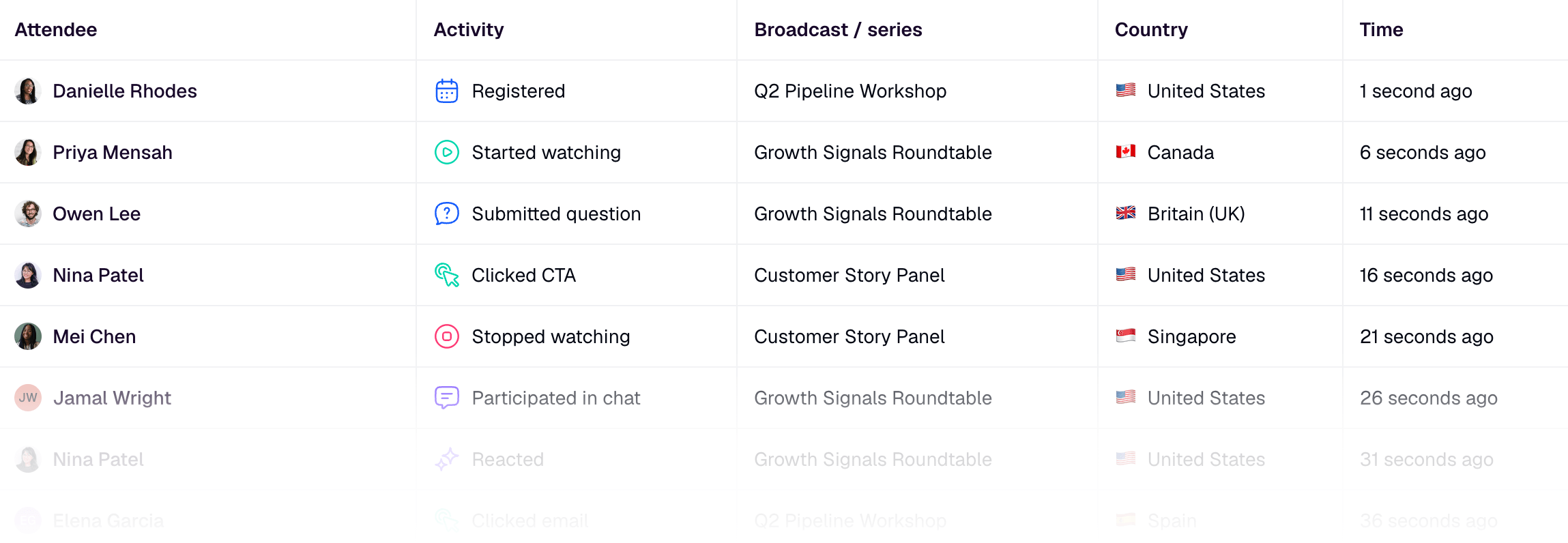
That is where teams can combine survey responses with audience signals, webinar analytics, live and replay CTAs, and behavior-based follow-up.
For example:
| Survey answer | Behavior signal | Better follow-up |
|---|---|---|
| "I wanted more implementation detail" | Watched the full replay | Send a practical checklist or invite to a workshop-style webinar |
| "We are comparing tools now" | Clicked a demo CTA | Route to sales with the topic, CTA, and question context |
| "The topic was too advanced" | Dropped after 10 minutes | Send a beginner resource instead of a hard CTA |
| "Cover this topic next" | Attended multiple webinars | Add to a segment for that topic or a recurring webinar series |
| No survey response | Asked a detailed live question | Follow up on the question, not the missing survey |
This is also why surveys should not be treated as deterministic buyer-intent proof. They help you prioritize, personalize, and learn. They do not replace judgment.
Turn answers into action
Before you send the survey, decide who owns each type of answer.
Content feedback should go to the marketer planning the next webinar. Technical feedback should go to the event owner. Product questions should go to the person who can answer them well. Clear next-step requests should flow into sales or customer success with context.
A simple routing model is enough:
| Answer type | Owner | Next action |
|---|---|---|
| Low relevance score | Marketing | Review targeting, promotion copy, and topic promise |
| Missing topic or unanswered question | Content owner | Add a follow-up resource or future webinar idea |
| Product question | Sales or product marketer | Reply with a specific answer and useful resource |
| Demo or conversation request | Sales | Follow up with the stated interest and webinar context |
| Future topic request | Webinar owner | Add to topic backlog and segment invite list |
| Access or technical issue | Operations | Fix the next live or replay experience |
If you already have a post-webinar follow-up workflow, this routing can feed directly into it. If you do not, start small: review survey answers the same day, tag the most common themes, and send one better follow-up segment than you sent last time.
Question banks by category
Use these as a menu, not a mandate. Pick the few that match the webinar's goal.
Overall experience
- How useful was this webinar for your current work?
- How clear was the session?
- Was the webinar the right length?
- What should we improve for the next session?
Content relevance
- Was the topic relevant to your role or current priorities?
- Which section was most useful?
- Which section felt least useful?
- What did you expect that we did not cover?
Presenter and format
- Was the presenter easy to follow?
- Did the examples feel relevant to your team?
- Would you prefer this topic as a live session, short video, workshop, or written guide?
Technical experience
- Did you have any trouble joining or watching the webinar?
- Was the audio or video clear enough?
- Did the replay work as expected?
Unanswered questions
- What question do you still have?
- What should we explain in more detail?
- What objection or concern would you want addressed before taking the next step?
Follow-up interest
- Would you like a replay link, template, checklist, demo, or future webinar invite?
- Which next step would be most helpful?
- Should someone from our team follow up?
Future topics
- Which topic should we cover next?
- What problem are you trying to solve this quarter?
- Which format would be most useful: expert interview, product demo, customer panel, or hands-on workshop?
No-show and replay viewers
- What made it hard to attend live?
- Did the replay answer the question you signed up with?
- What would make a future live session easier to attend?
A final checklist before you send it
Use this quick review before the survey goes out:
- Keep it under eight questions unless you have a clear research reason.
- Ask one thing per question.
- Use neutral wording.
- Mix ratings, multiple choice, and one or two open-ended questions.
- Make every question useful to a real owner.
- Decide how answers will route before responses arrive.
- Combine survey answers with attendance, replay, CTA, and engagement data.
The point is not to collect more feedback. The point is to make the next webinar better and make the follow-up from this one more relevant.
HeyStream helps with the surrounding workflow: branded live and replay experiences, audience records, engagement context, CTAs, analytics, and follow-up automation. If you collect survey answers through an external survey tool, those answers can still sit beside the behavior signals that show what each viewer did before, during, and after the session.


